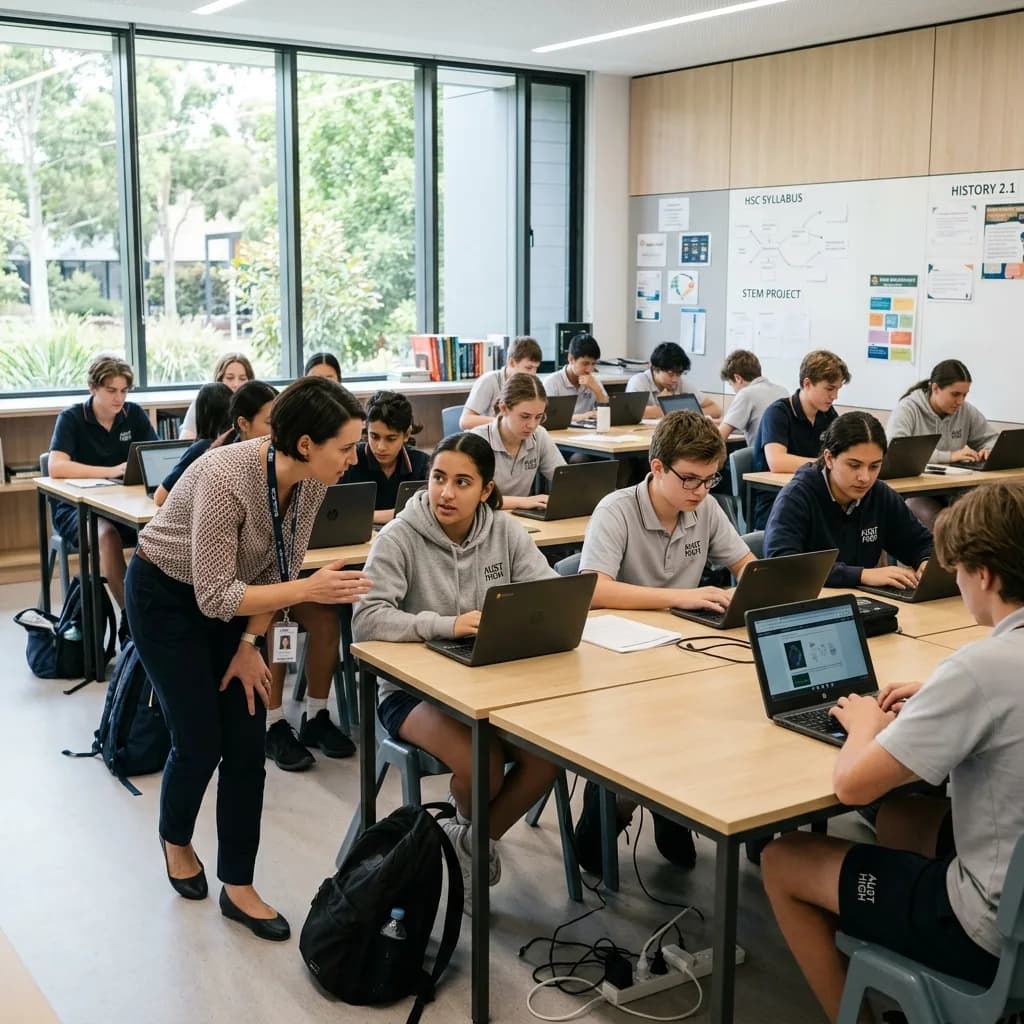
The working day
One lesson can depend on a whole chain of technology.
A working laptop is only the start. Sign-in, wireless coverage, classroom displays and access to learning resources need to work together. When one link fails, the teacher becomes the first line of support and the lesson loses momentum.
Where to focus
Start with what gets in the way.
- 01
Everyone connects at once
Classrooms and shared spaces create concentrated demand. Plan the wireless network around real use rather than counting access points alone.
- 02
People and permissions change
Intakes, staff changes and shared equipment need clear account and device processes, including what happens at the end of a course or term.
- 03
The calendar sets the window
Major changes need to fit around teaching, exams and access to the site. Equipment procurement and testing must be planned before the break arrives.
Capabilities at work
Support the timetable, the classroom and the campus.
Before the first session
Teachers need accounts, room equipment and learning resources ready.
How the technology contributesDevice preparation, identity and classroom checks are treated as one readiness task.
As rooms fill up
Many learners connect and use online resources at the same time.
How the technology contributesWireless and network planning considers room density, movement and the applications in use.
Between terms or intakes
Users, equipment and learning spaces change.
How the technology contributesAccount processes, device staging and planned installation windows help prepare for the next group.
Solutions portfolio
The right services. A clear role for each.
Choose the services your organisation needs. The scope, responsibilities and delivery plan are agreed around your environment.
Campus connectivity & networks
Review coverage, switching and connectivity against classroom density, shared spaces and administrative needs.
What we work through with you
- Map room occupancy and application requirements.
- Review switching, access points and internet dependencies.
- Separate user groups and access according to agreed policies.
What this contributesThe infrastructure is planned for real teaching use, rather than judged only by whether a device can connect in an empty room.
Devices & workplace access
Plan staff devices, shared equipment and identity processes around your existing learning platforms and policies.
What we work through with you
- Check device standards and platform compatibility.
- Agree account creation, role changes and removal processes.
- Plan shared equipment and staff-device preparation.
What this contributesNew terms and staff changes can follow an organised process instead of becoming a series of individual setup requests.
Security & recovery priorities
Review access boundaries, device protection and recovery ownership with the team responsible for technology governance.
What we work through with you
- Review identity, device protection and administrative access.
- Document who owns backup and recovery responsibilities.
- Prioritise changes with the organisation’s technology governance team.
What this contributesSecurity work is tied to the actual environment and accountable owners, with gaps identified for a clear decision.
Classroom & campus displays
Plan teaching displays, reception information and campus notices around room use, visibility and content ownership.
What we work through with you
- Match displays to teaching, notices or wayfinding.
- Check room sightlines, mounting, power and connectivity.
- Test presentation and content-update workflows with users.
What this contributesScreens have a defined everyday purpose and staff know how to use and update them.
IT delivery & ongoing support
Agree the split with internal IT, coordinate installation windows and document the environment for continued support.
What we work through with you
- Agree the role of C9 alongside internal IT.
- Stage equipment before the installation window.
- Record the delivered setup and any outstanding actions.
What this contributesThe education team can see what is ready, what still needs attention and who will support it after handover.
For the people doing the work
A clearer working day, across the team.
| Your people | What the plan supports |
|---|---|
| Teaching staff | Room technology prepared around the intended session. |
| Administration | Clearer account, equipment and support processes. |
| Internal IT | An agreed partner for delivery and selected service responsibilities. |
| Campus leadership | Priorities and project readiness connected to the calendar. |
A practical example
A new teaching space, ready before the timetable starts.
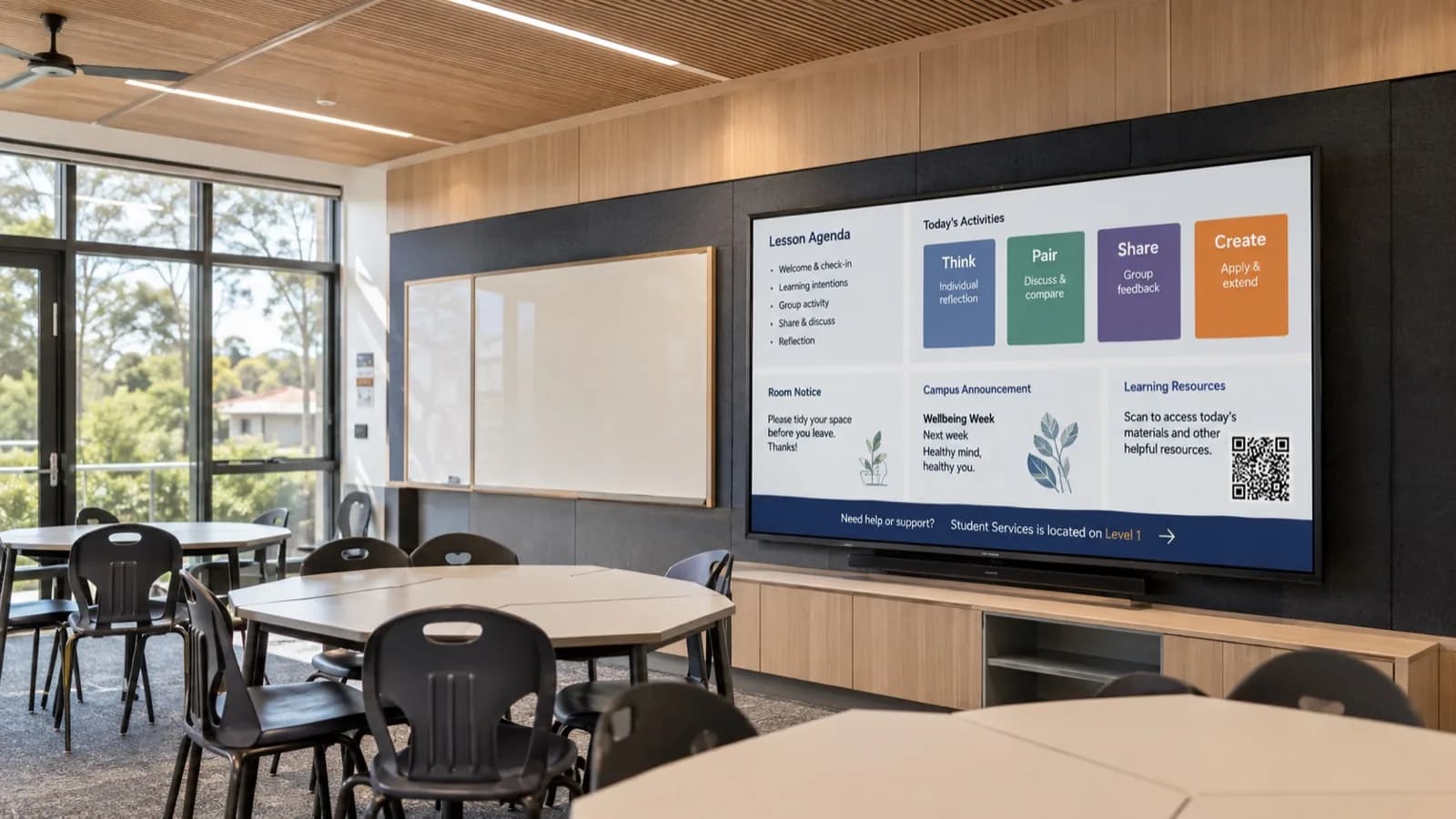
A training provider is opening extra rooms. Screens and laptops are on the order list, but wireless coverage, accounts, licences and room readiness need to be planned alongside them. The test is whether a teacher can walk in and run the intended session.
| Decision | What it means in practice |
|---|---|
| Start with teaching | Identify the platforms, room activities and equipment the session actually needs. |
| Fit the environment | Check coverage, power, mounting and access requirements before finalising hardware. |
| Validate together | Test sign-in, learning resources and presentation workflows with teaching and IT staff. |
From plan to handover
Work around the business. Bring the details together.
- 01
Map the learning day
Understand room use, user groups, existing platforms and busy periods.
- 02
Agree the responsibilities
Work with internal IT on standards, policies, support boundaries and approvals.
- 03
Use the right window
Stage devices and schedule installation around teaching and site access.
- 04
Prepare the people
Check practical workflows, provide handover guidance and record outstanding actions before use.
Keeping work moving
Plan for the interruption. Not just the installation.
A smooth working day depends on preparation, clear responsibilities and a usable response when something goes wrong. These are part of the service conversation from the start.
Protect the timetable
Schedule disruptive work around teaching and assessment, with site access and acceptance testing planned in advance.
Prepare for turnover
Use an agreed process for intakes, departures and shared-device reassignment rather than retaining access by default.
Make handover practical
Validate a real presentation or learning workflow with authorised staff before calling a room ready.
Beyond handover
Keep checking the things that matter.
Agree what to review against your starting position and service scope. Useful measures should reflect the work your team is trying to do, with changes prioritised together.
- Recurring classroom technology interruptions
- Device and account readiness for the next intake
- Coverage issues at busy teaching times
- Outstanding handover actions and equipment lifecycle needs
Review findings can inform the next change, a supplier conversation or a decision to leave a working system alone. The aim is a maintained environment that keeps pace with your organisation.
Before you decide
A few useful answers.
Can you support our internal IT team?
Yes. C9 can take an agreed delivery or service role, with your team retaining governance and the responsibilities you choose.
Do we need to replace our learning platform?
No. The first step is understanding its requirements and the infrastructure around it. Any platform change is a separate decision, not an assumed part of an upgrade.
For the next conversation
Bring your team into the plan.
Download the industry solutions portfolio, including capability details, practical examples and delivery considerations. Share it with your team to discuss priorities, existing suppliers and your next steps.
Download solutions PDF