











C9 GROUP
Telco
Internet
Voice
Networks
Managed Telco
Resources
Contact
Support1800 000 299
  1. Home
  2. Telco
  3. Hardware

Everything Your Business Relies On.Managed As One.

Managed IT, communications, security, Remote Workforce support, AI and Digital Signages delivered under one accountable C9 team.

Book ConsultationTalk To C9

CAPABILITIES

  • Managed Services
  • Communications
  • Security
  • Remote Workforce
  • AI & AutomationNew
  • Digital Signages

CORE SOLUTIONS

  • Managed IT
  • Business nbn™
  • Fast Fibre
  • Teams Calling
  • Phone Systems
  • Essential 8
  • AI Voice AgentsNew
  • Digital Signages

INDUSTRIES

  • Retail
  • Healthcare
  • Professional Services
  • Logistics
  • Education
  • Multi-Site Organisations

COMPANY

  • About C9
  • Why C9
  • Partners & Certifications
  • Careers
  • Contact Us

RESOURCES

  • Resource Centre
  • Blog
  • Help Centre
  • Industry Guides

QUICK LINKS

  • Book Consultation
  • Get Assessment
  • Call Sales
  • Partner Enquiries

Headquarters

Level 3, 480 Collins Street
Melbourne VIC 3000

Direct Contact

1800 000 299

Email

Sales@c9group.com.au
© 2026 C9 GROUP. All rights reserved.
Privacy PolicyTerms of UseDirect Debit Service AgreementCookie PolicyTrust CenterSitemap
Managed IT • Communications • Security • Remote Workforce • AI • Digital Signages

We acknowledge the original communicators, connectors, and carers of the land and waters across Australia, the Aboriginal and Torres Strait Islander peoples. We pay our respects to Elders past, present, and emerging.

C9 GROUP · MANAGED HARDWARE

Hardware planned, deployed and supported as one managed service.

C9 helps Australian businesses manage the physical technology layer behind connectivity, Wi-Fi, voice, security, displays, endpoints and operational devices.

No product-only sales motion. We assess the environment, shape the hardware stack, coordinate deployment and keep support ownership visible after go-live.

Get A Hardware AssessmentExplore Hardware Coverage
Multi-vendor hardware managed by one MSP
Procurement, install and support connected
Lifecycle planning after go-live
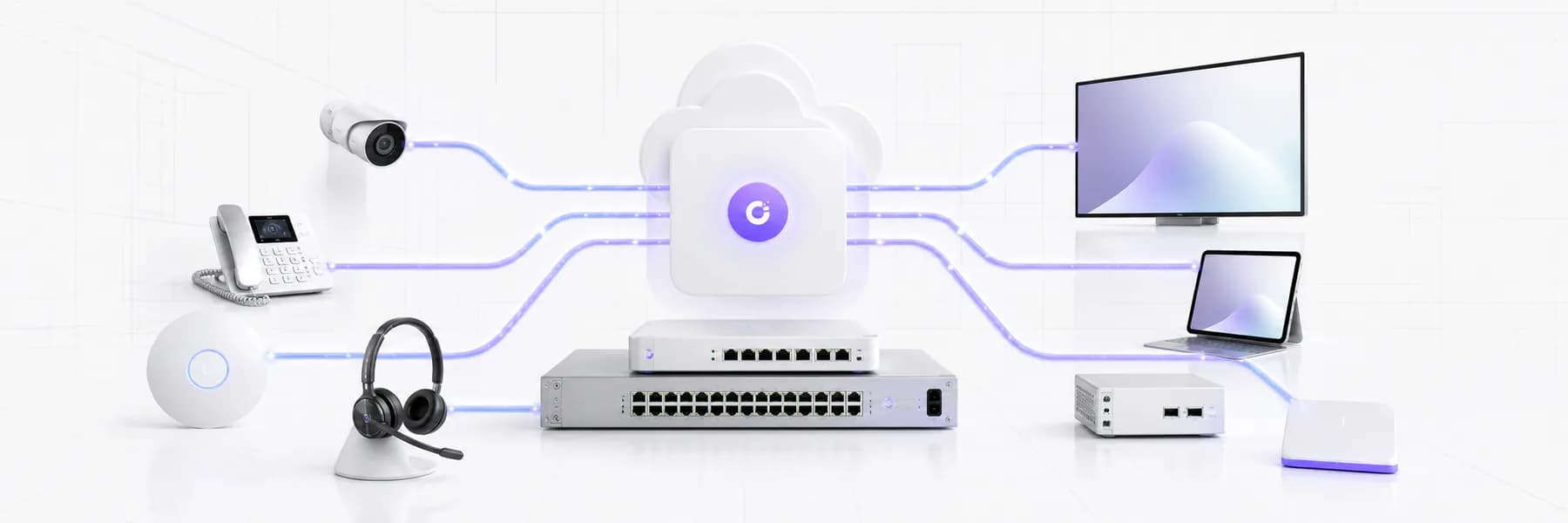
Clean managed hardware ecosystem including network, Wi-Fi, voice, display and endpoint devices connected through C9 support
Managed hardware guide
Use CasesCategoriesEngagementsEssentialsLifecycleFAQ
Businesses That Trust Us
CEVA Logistics
XWise Group
Forty Winks
Clarks
DCO
Novo
Chobani
Spendless Shoes
Ray White
Wild Rhino
Retail Care
The Entourage
Above Zero
CEVA Logistics
XWise Group
Forty Winks
Clarks
DCO
Novo
Chobani
Spendless Shoes
Ray White
Wild Rhino
Retail Care
The Entourage
Above Zero
START WITH YOUR SITUATION

Managed hardware decisions are clearer when the site context is visible.

Before choosing devices, understand what the business needs to keep online, who will support it and what lifecycle risk already exists.

New site

Opening, relocating or expanding a business site?

Plan network edge, Wi-Fi, phones, displays, cameras and operational devices before the install window becomes urgent.

Review this path

Refresh

Running ageing hardware with unclear ownership?

Turn routers, switches, phones, APs, cameras and displays into a documented device estate with replacement priorities.

Review this path

Managed support

Need one accountable team after installation?

Bring vendors, carriers, installers and support into one managed path so device issues do not bounce between suppliers.

Review this path
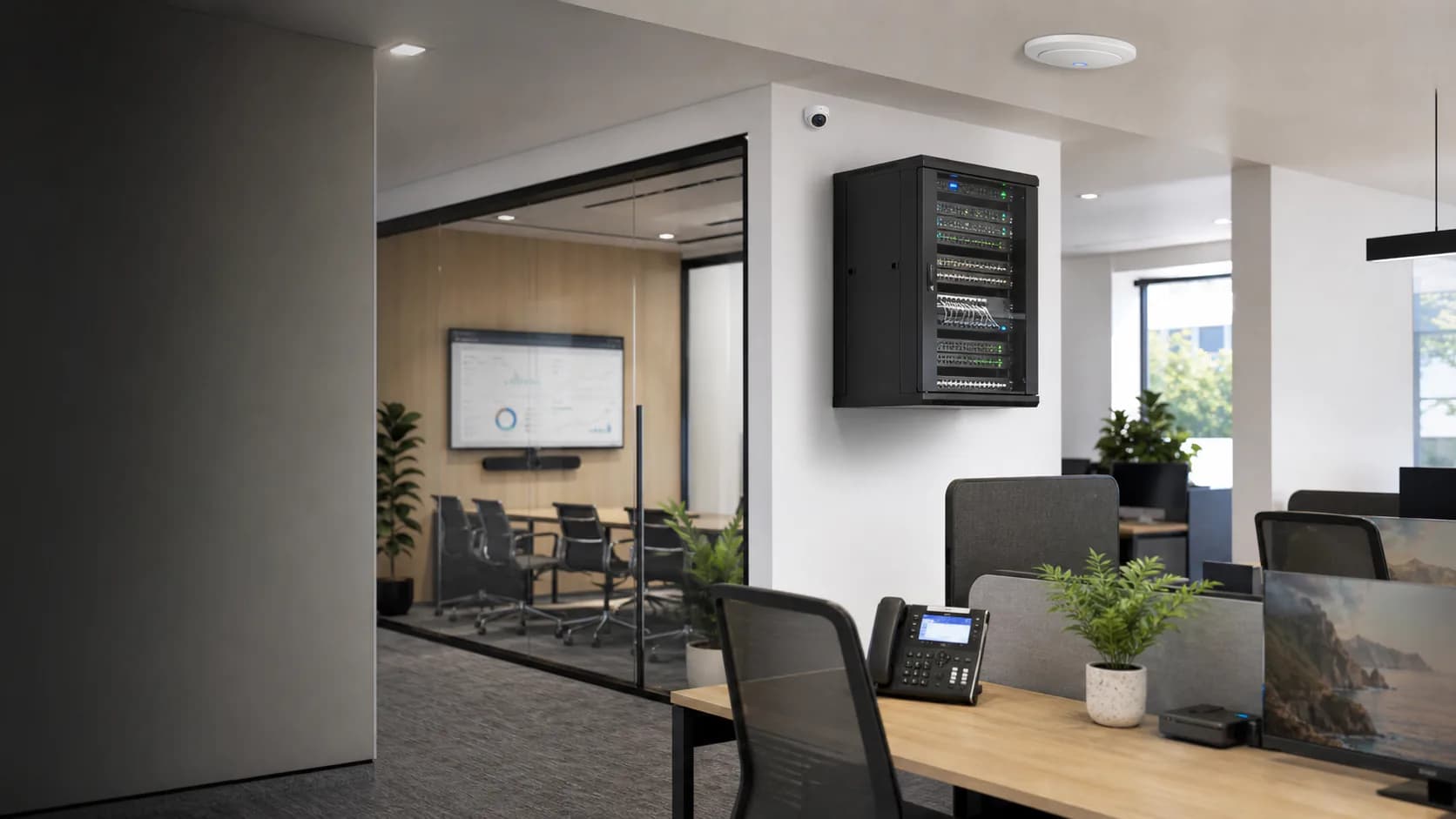
Modern office with installed network rack, Wi-Fi access point, security camera, meeting display and desk phone hardware running
C9 HARDWARE OPERATING MODEL

Built for sites where devices have to keep working after installation.

Managed hardware is not just the device. It is the configuration, support path, vendor coordination and lifecycle planning behind it.

A complete hardware layer, not a loose device list

C9 connects routers, switching, Wi-Fi, voice, visibility and workplace devices into one supportable operating model.

Designed around the site and service model

Every recommendation considers users, rooms, coverage, cabling, critical systems, warranties and post-install support.

Built for Australian businesses that need continuity

C9 helps keep trading systems, phones, payments, security and cloud work supported through practical hardware ownership.

CHOOSE YOUR HARDWARE AREA

Explore the six physical hardware segments C9 can manage.

Move through the hardware ecosystem without turning the page into a long catalogue. Each segment can be scoped, supplied, configured and supported by C9.

Network core managed hardware option for Australian businesses01 / 06

Network core

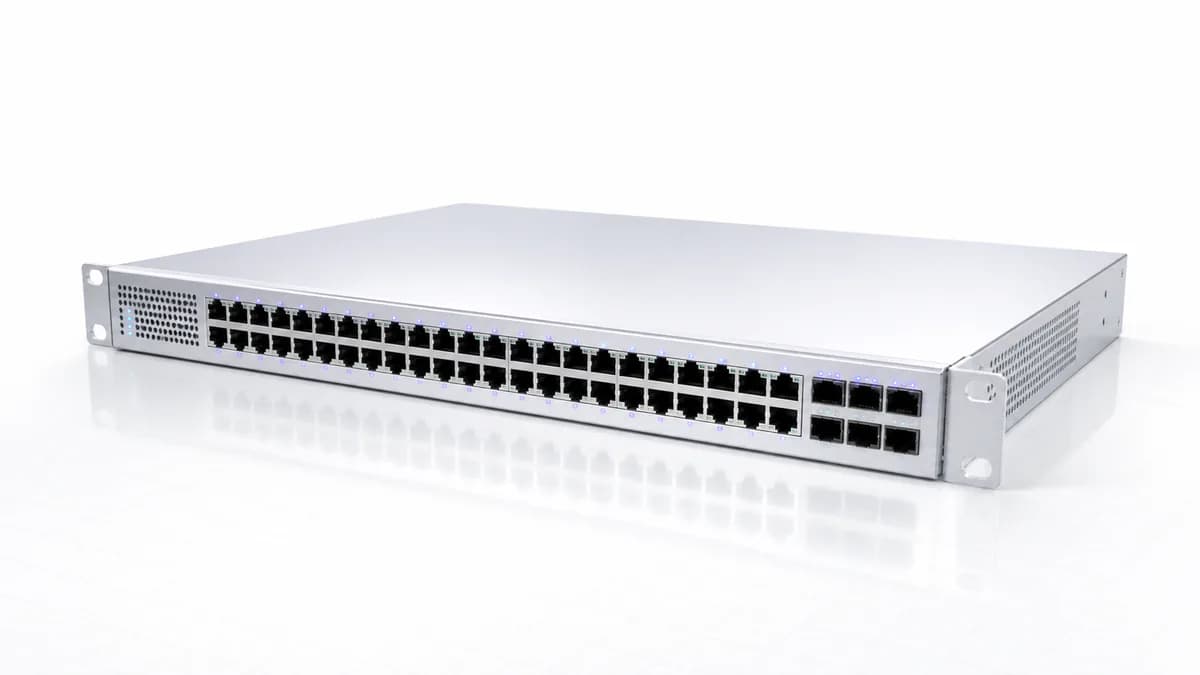
Routers, firewalls, switches, gateways and edge hardware configured around secure site operations.

RoutersSwitchesFirewallsGateways
Scope this segment
Wi-Fi and site coverage managed hardware option for Australian businesses02 / 06

Wi-Fi and site coverage

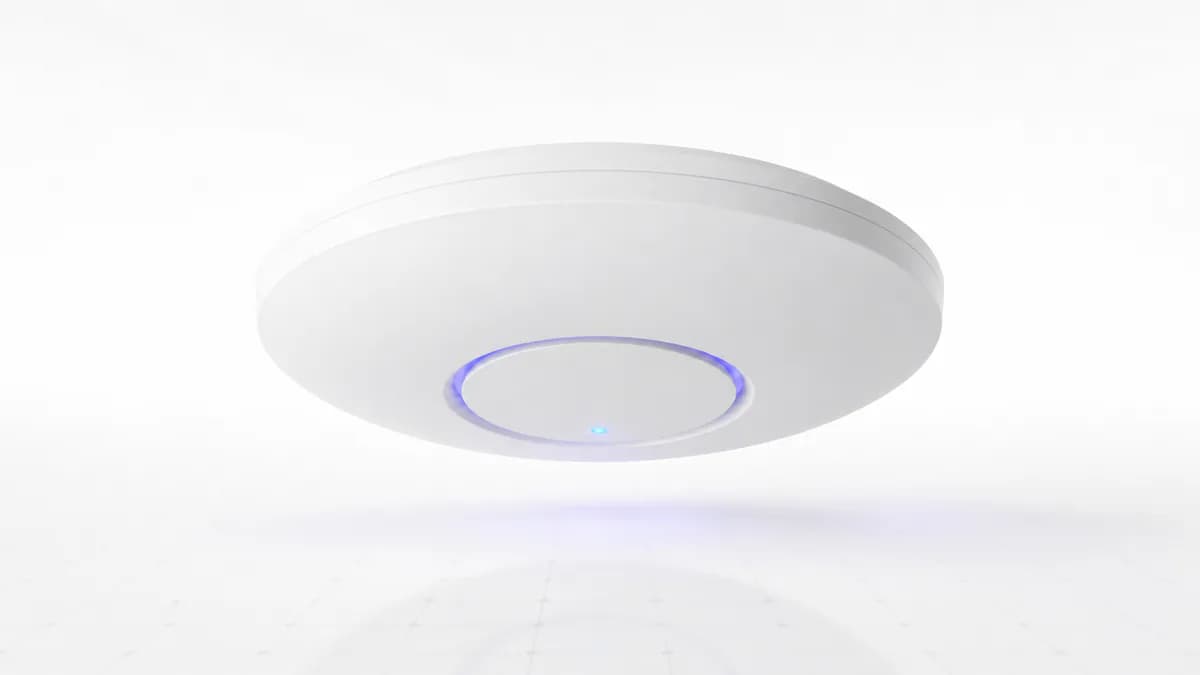
Access points, coverage planning, guest access, roaming standards and wireless monitoring conversations.

Access pointsGuest Wi-FiRoamingCoverage planning
Scope this segment
Voice and collaboration managed hardware option for Australian businesses03 / 06

Voice and collaboration

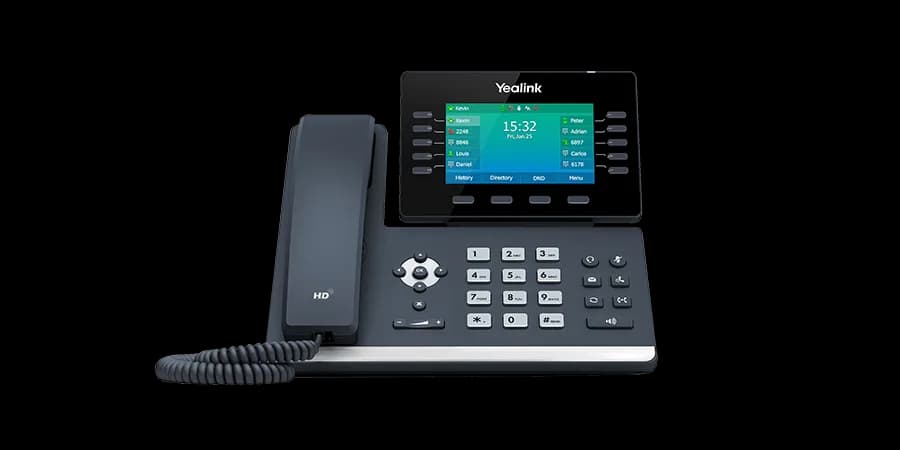
Desk phones, cordless handsets, headsets, meeting audio and Teams-ready device planning.

Desk phonesHeadsetsConference phonesTeams devices
Scope this segment
Security and site visibility managed hardware option for Australian businesses04 / 06

Security and site visibility

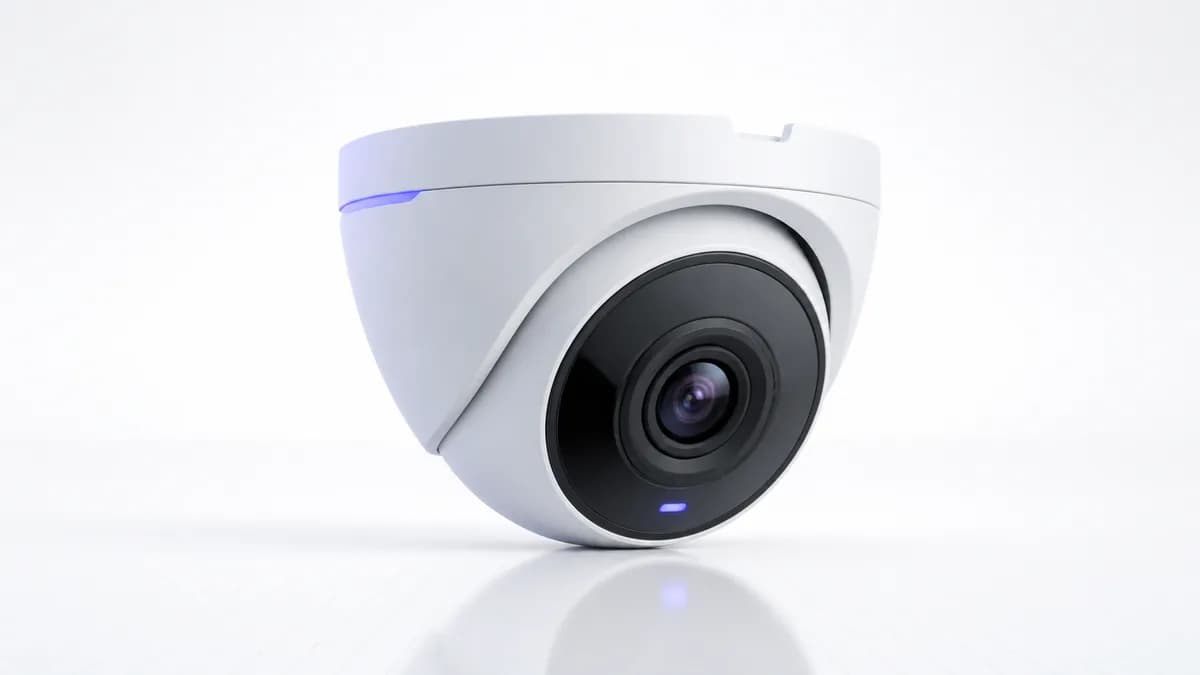
Camera, access, visibility and site devices where hardware must connect back to business operations.

CamerasAccess devicesSensorsSite visibility
Scope this segment
Displays and workplace managed hardware option for Australian businesses05 / 06

Displays and workplace

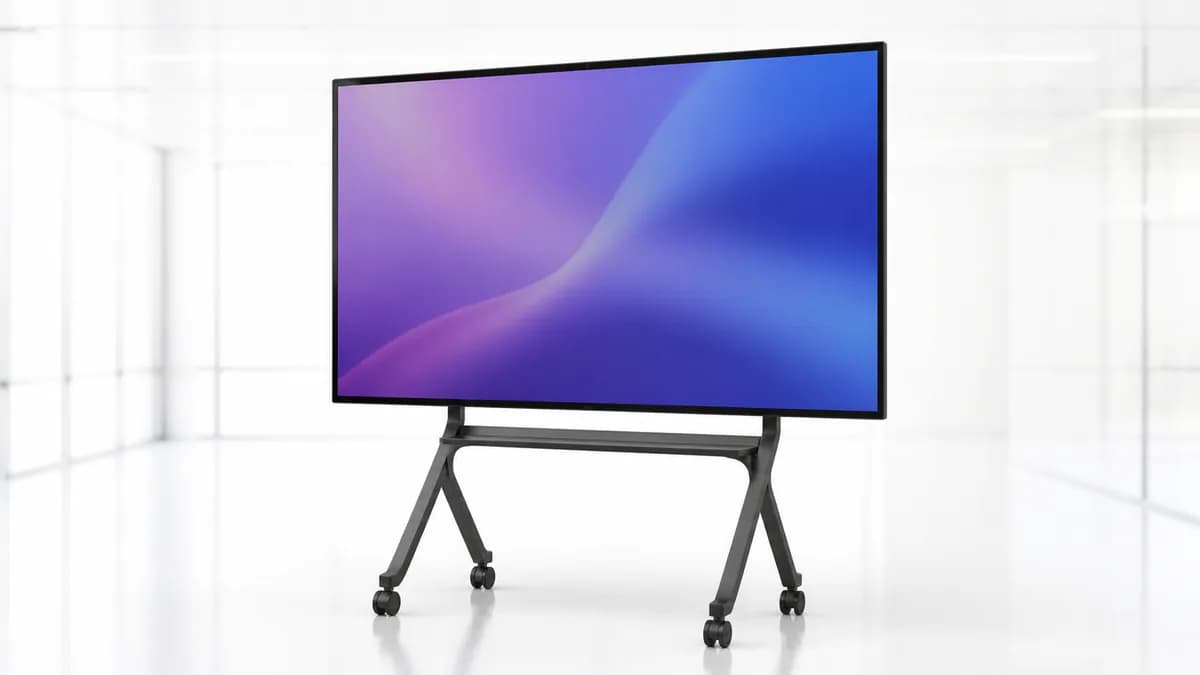
Commercial displays, signage hardware, meeting-room screens and shared workplace technology.

Commercial displaysMeeting screensDigital signageRoom devices
Scope this segment
Endpoints and operational devices managed hardware option for Australian businesses06 / 06

Endpoints and operational devices

Business devices, peripherals and site-ready operational hardware that needs accountable support.

Business devicesPeripheralsPrintersSite equipment
Scope this segment
MANAGED HARDWARE ENGAGEMENTS

Pick the entry point around the business outcome.

C9 confirms exact scope, device count, vendor requirements, site readiness and support model after a managed hardware assessment.

See FAQ

Hardware Audit

Discover

starting point

Audit

scope confirmed after enquiry

Best for

Existing device estate review

A structured review of current hardware, ownership gaps, risk, device age, support exposure and priority recommendations.

Key outputs

Device register conversation
Support ownership review
Replacement priority notes
Managed service recommendation
Ask C9 to scope

Site Rollout

Project

planned rollout

Deploy

site, hardware and lead time dependent

Best for

New site or refresh project

Hardware selection, procurement coordination, configuration, installation planning, testing and handover for business sites.

Key outputs

Router, Wi-Fi and voice planning
Vendor and warranty coordination
Install readiness review
Go-live support path
Ask C9 to scope

Managed Lifecycle

Ongoing

support model

Manage

matched to device estate

Best for

Multi-site support ownership

Ongoing visibility, configuration control, vendor escalation, replacement planning and support coordination after installation.

Key outputs

Health and status review
Change and configuration control
Vendor escalation path
Lifecycle replacement planning
Ask C9 to scope

Scope, timing, hardware availability, vendor options, warranties, installation needs and managed support inclusions are confirmed after review.

MANAGED HARDWARE ESSENTIALS

The device is only useful if the supporting setup is right.

Support ownership, configuration, warranty visibility and lifecycle planning are part of the C9 managed hardware conversation.

Documented device ownership

Know which devices are business-critical, who supports them, what is under warranty and what needs replacement planning.

Configuration standards

Keep network, Wi-Fi, voice and workplace devices aligned to practical standards instead of one-off settings.

Multi-vendor escalation

C9 coordinates with hardware vendors, carriers and service providers so faults do not become a supplier loop.

Lifecycle roadmap

Reduce surprise failures by reviewing device age, capacity, warranty, replacement windows and future site requirements.

HARDWARE CAPABILITY AND SUPPORT

Managed hardware is not one product category. It is a support model.

Use C9 when the business needs a managed path across physical devices, vendors, service providers and internal operations.

Network

Core connectivity hardware

Routers, switches, gateways, firewalls and edge devices managed around secure business connectivity.

Workplace

User-facing equipment

Desk phones, displays, meeting devices, endpoints and shared workplace technology supported as part of daily operations.

Visibility

Site and operational devices

Cameras, access devices, sensors and site hardware that must connect back to business processes and support ownership.

C9 recommendation logic

If a device touches connectivity, calls, payments, cameras, Wi-Fi, meetings, signage or critical operations, C9 reviews whether it needs monitoring, configuration control, warranty visibility or a managed lifecycle path.

MANAGED VS UNMANAGED HARDWARE

A business-grade outcome needs more than buying devices.

Use this as a quick decision matrix before comparing device quotes or replacing equipment one item at a time.

Comparison of unmanaged hardware and C9 managed hardware
Decision pointUnmanaged hardwareC9 Managed Hardware
Buying approachDevices are purchased one at a time, often without a full support or lifecycle view.C9 reviews the environment, recommends suitable hardware and keeps procurement tied to support outcomes.
ConfigurationSettings can drift by site, installer, vendor or urgent fault response.Configuration standards, documentation and managed change conversations keep devices supportable.
Fault ownershipIssues can bounce between carrier, hardware vendor, installer and internal staff.C9 stays involved as the accountable MSP path across vendors, carriers and device support.
Lifecycle planningReplacement is often triggered by failure, warranty expiry or performance complaints.Device age, support risk, warranties and replacement timing are reviewed before disruption.
Site growthEach site can become a different hardware stack with different operational risk.C9 can standardise hardware and support patterns across offices, clinics, stores and operational sites.

Buying approach

C9 Managed Hardware

C9 reviews the environment, recommends suitable hardware and keeps procurement tied to support outcomes.

Unmanaged hardware

Devices are purchased one at a time, often without a full support or lifecycle view.

Configuration

C9 Managed Hardware

Configuration standards, documentation and managed change conversations keep devices supportable.

Unmanaged hardware

Settings can drift by site, installer, vendor or urgent fault response.

Fault ownership

C9 Managed Hardware

C9 stays involved as the accountable MSP path across vendors, carriers and device support.

Unmanaged hardware

Issues can bounce between carrier, hardware vendor, installer and internal staff.

Lifecycle planning

C9 Managed Hardware

Device age, support risk, warranties and replacement timing are reviewed before disruption.

Unmanaged hardware

Replacement is often triggered by failure, warranty expiry or performance complaints.

Site growth

C9 Managed Hardware

C9 can standardise hardware and support patterns across offices, clinics, stores and operational sites.

Unmanaged hardware

Each site can become a different hardware stack with different operational risk.

MANAGED SERVICE OWNERSHIP

Keep hardware supportable after the install is complete.

C9 can combine hardware selection, configuration, vendor coordination, monitoring and lifecycle reviews so the business has a clearer support path.

Estate: Routers, switches, Wi-Fi, phones, displays, cameras and endpoint devices identified.

Standards: Configuration, access, warranty and support ownership documented.

Support: Faults, vendor escalation and device changes routed through an accountable MSP path.

Lifecycle: Replacement windows, capacity needs and future site requirements reviewed over time.

C9 MANAGED HARDWARE

Key components of C9 Managed Hardware.

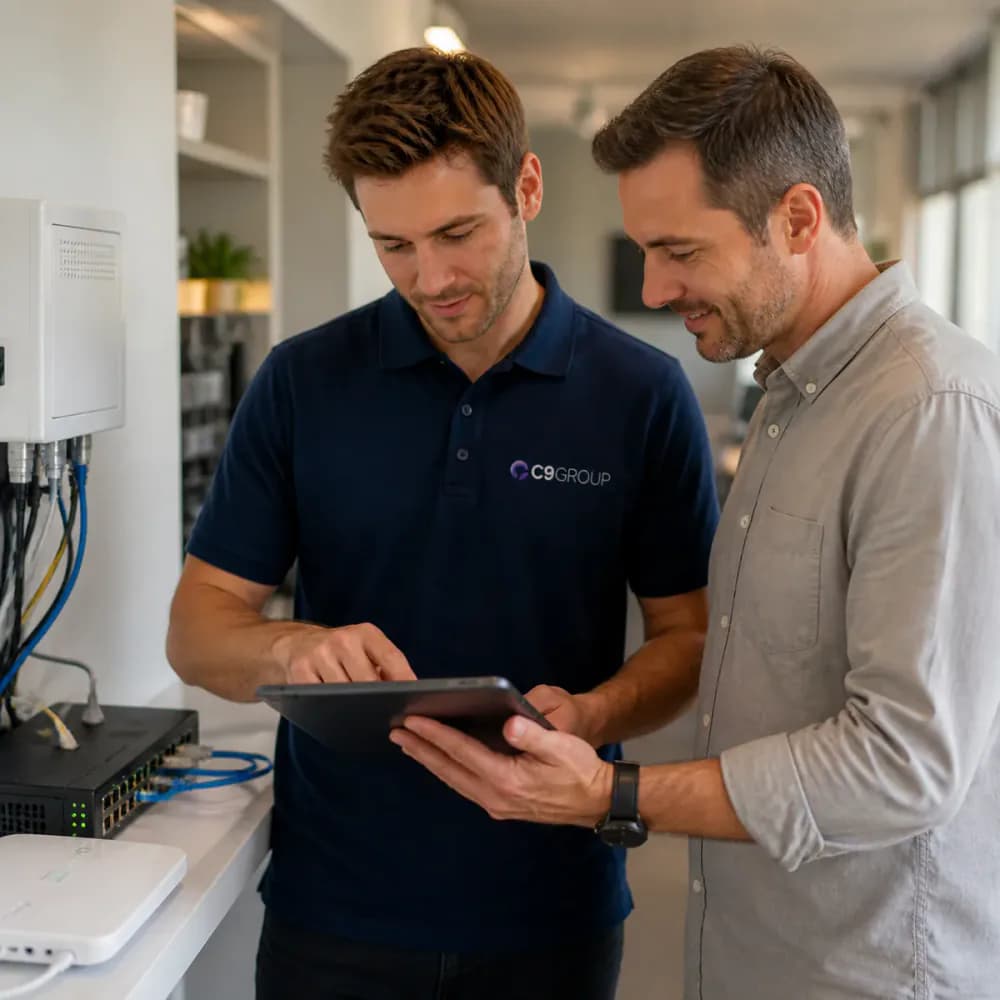
C9 GROUP staff member in navy C9 polo reviewing managed hardware service options with a business customer
01

Proactive monitoring and maintenance

C9 helps keep hardware health, performance, firmware, configuration and operating risk visible so issues can be reviewed before they disrupt the business.

02

Remote and onsite support

Hardware support can include remote troubleshooting, vendor coordination and onsite attendance where needed, reducing downtime and supplier handball.

03

Asset management and lifecycle tracking

C9 can keep device ownership, warranty position, replacement priorities, service contracts and lifecycle planning connected to one managed hardware view.

04

Security and compliance readiness

C9 reviews hardware configuration, access control, update requirements, segmentation, vendor exposure and support practices around business risk.

05

Cost efficiency and standardisation

A managed hardware model helps avoid reactive buying, duplicated devices, unsupported equipment and unpredictable support overhead across sites.

C9 MANAGED HARDWARE DELIVERY

From hardware assessment to managed service ownership.

01

Assess

Review sites, users, devices, cabling, connectivity, rooms and operational requirements.

02

Recommend

Shape the practical hardware stack across network, Wi-Fi, voice, workplace and visibility needs.

03

Procure

Coordinate availability, ordering, licensing, warranty, staging and replacement considerations.

04

Configure

Prepare settings, policies, documentation, voice profiles and site standards before rollout.

05

Support

Keep C9 involved for monitoring, faults, changes, vendor escalation and lifecycle improvement.

Managed hardware FAQs

No. C9 can support the full managed path: assessment, recommendation, procurement coordination, configuration, installation planning, testing, support, vendor escalation and lifecycle review.

Guided consultation

Tell us what you need. We'll route it to the right C9 team.

C9 brings managed IT, communications, cybersecurity, Remote Workforce, AI and digital solutions into one accountable group.

Managed ITTelcoSecurityRemote Workforce + AI

Start with the outcome

Choose the closest service area. If you’re unsure, we’ll help route the enquiry.

No pressure. No generic sales script. Just the right next step.

Start with a few quick details.

Get a Managed Hardware Assessment

Tell us about the site, current devices, users, network, voice, security, display or endpoint needs. C9 will route your enquiry to the right managed service specialist.

Step 1 of 3

What do you need help with?

What do you need help with?

Choose the area closest to what you need. You can select ‘Not Sure’ if you want guidance.